How to Automate 80% of Guest Communication Without Losing the Personal Touch
6 min read
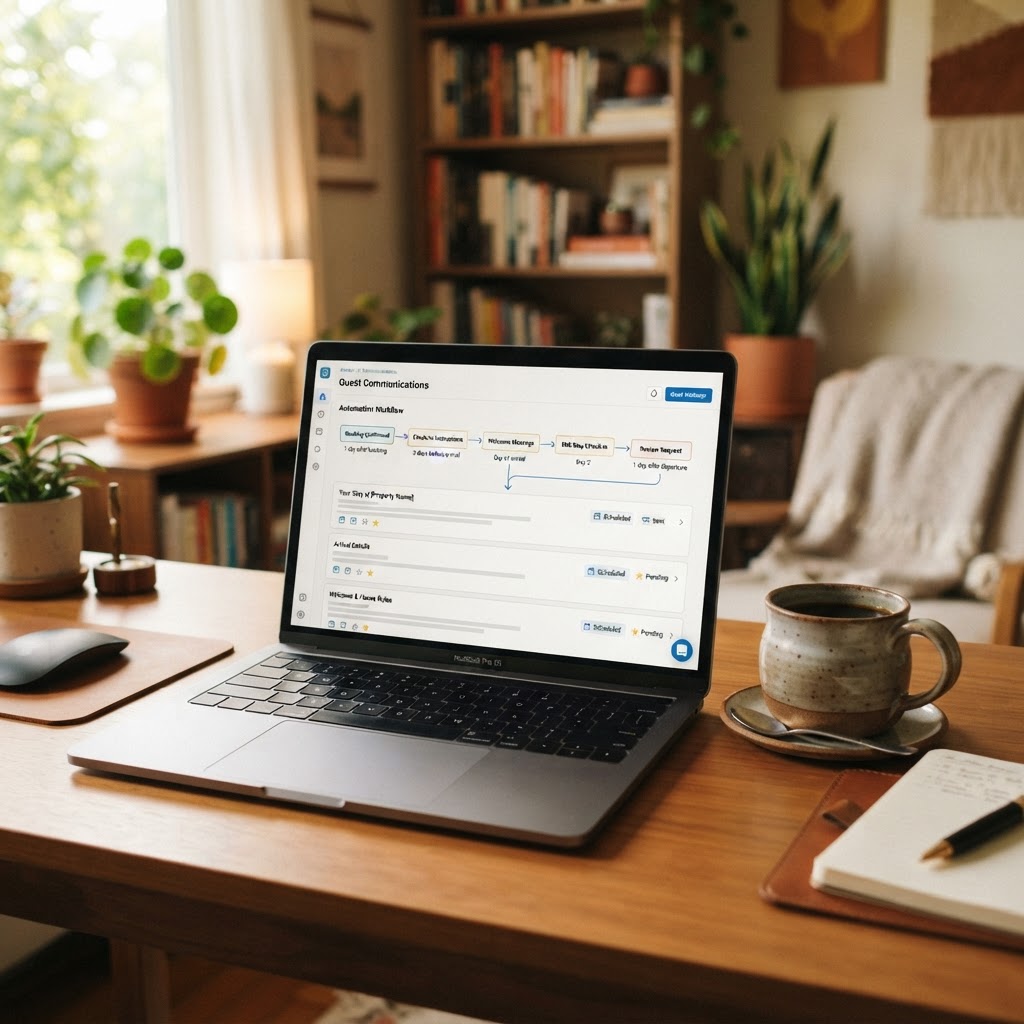
If you're still manually answering "What's the WiFi password?" at 11 PM, we need to talk. The reality is that most guest questions are predictable, and in 2026, the tools to automate them have never been better. Professional hosts are now automating roughly 80% of their guest communication while actually improving guest satisfaction. The secret isn't replacing yourself entirely, it's knowing which messages to automate and which ones need your personal touch.
Let me walk you through exactly how to set up an automation system that saves you hours every week while keeping your guests happy and your reviews glowing.
Start With Your Knowledge Base: The Foundation of Smart Automation
Before you automate a single message, you need a solid knowledge base. Think of this as your property's encyclopedia, every answer to every question a guest might ask, organized and accessible. This is where digital guidebook tools like Airjeeves.com or Touchstay.com become invaluable. These hold everything from WiFi passwords to the best taco spot three blocks away.
Here's why this matters: when you automate messages that reference your guidebook, you're not just sending instructions, you're pointing guests to a resource they can return to again and again. Your automated check-in message might say "Your access code is 4582. Full check-in details including parking and WiFi are in your digital guide," with a link they can bookmark. Suddenly, you've answered five questions with one message.
Create your guidebook with sections for house rules, WiFi and entertainment systems, appliance instructions, parking details, local recommendations, emergency contacts, and checkout procedures. Update it seasonally. Construction detours change, restaurants close, farmers markets move locations. A current, comprehensive guidebook is the difference between three follow-up questions and zero.
Automate the Predictable Journey From Booking to Check-In
The vast majority of guest communication follows a predictable pattern, which makes it perfect for automation. Most property management systems now include automated messaging. Hospitable's AI-powered messaging feature particularly stands out here, though platforms like Hostaway and Guesty offer similar capabilities.
Set up your pre-arrival sequence like this: Send a warm welcome message within minutes of booking confirmation. This isn't robotic, personalize it with their name, acknowledge their dates, and express genuine enthusiasm about their stay. Three days before arrival, send your comprehensive pre-arrival guide with house rules, what to expect, and what to bring for the season. The morning before check-in, send detailed access instructions including door codes, parking specifics, and your guidebook link. Two hours after their expected arrival time, trigger a "Hope you've settled in" message that proactively offers help.
The magic happens when these messages include smart triggers. If a guest books for a winter weekend, your automated message should mention the fireplace instructions and nearby sledding hill. Summer booking? Automatically include pool rules and farmers market hours. This feels personal because it is. You've just automated the personalization.
Handle the During-Stay Period With Minimal Interference
Once guests are settled, your goal is helpful availability without being intrusive. Automate a mid-stay check-in message for bookings longer than three nights: "Hope you're enjoying your stay. Need anything? Just reply to this message." Keep it brief and genuine.
The real time-saver here is automated troubleshooting. When a guest messages "The TV isn't working," your system can instantly send step-by-step troubleshooting from your guidebook before you even see the message. Many hosts using AI messaging report that a majority of technical questions get resolved by the automated response alone, with the system intelligently pulling information from your property details and guidebook.
Set up keyword triggers for common issues. Messages containing "WiFi" get instant network name and password. "Thermostat" gets heating and cooling instructions. "Checkout" gets your checkout procedure. The guest gets immediate help, and you only get notified if they reply again, meaning the automated answer didn't solve it.
For local recommendations, automate those too. "Where should we eat?" can trigger your curated restaurant list organized by cuisine and price point. "Things to do" sends your activities guide. You've answered the question instantly, even if you're asleep or hosting other guests.
Know When to Step In Personally: The Critical 20%
Here's what you should never automate: genuine problems. Lock malfunctions, property damage, noise complaints, maintenance emergencies, guest conflicts, refund requests, and anything with emotional language behind it. These are the moments that decide whether a stay becomes a five-star review or a one-star story, and an automated reply in those moments reads as indifference no matter how well written it is.
Configure your system to escalate rather than answer whenever it sees certain signals:
- Words like broken, leaking, smoke, locked out, refund, cancel, or unacceptable
- Any message sent twice in a row, which usually means the automated answer missed
- Anything mentioning neighbors, police, or safety
- Repeat guests and long stays, where the relationship is worth more than the time saved
When you do step in, lead with the fact that you are a person. A short "This is Sarah, I'm on it and calling the plumber now" resets the whole interaction. Guests forgive problems. They do not forgive feeling handled.
Review What the Robot Said
Automation is not set and forget. Once a week, read back through the automated replies your system actually sent. You are looking for three things: answers that were wrong, questions the guidebook did not cover, and moments where a human should have been pulled in but wasn't.
Every gap you find becomes a guidebook update or a new escalation trigger, and the system gets measurably better each month. Hosts who skip this step are the ones who eventually get burned by an automation confidently telling a guest something untrue.
The Payoff
Done properly, this setup gives you back several hours a week and improves response times at the same time, because the answer arrives in seconds instead of whenever you next pick up your phone. The initial build takes real effort, mostly in writing a thorough guidebook, but that work is done once and pays out on every booking after it.
Start with the guidebook. Add the pre-arrival sequence. Layer in keyword triggers. Then set your escalation rules and leave the hard 20% where it belongs, with you.